
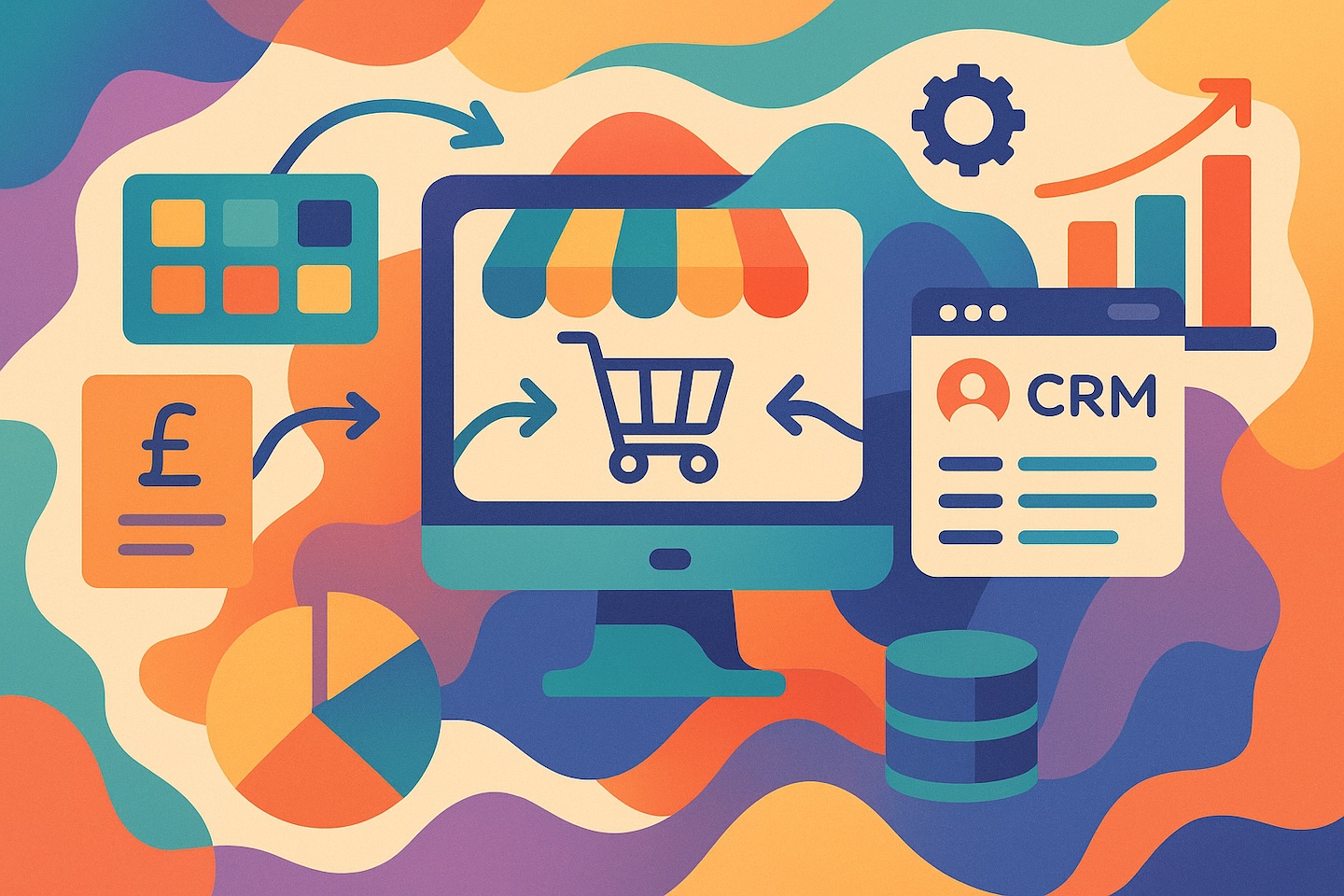
Starting an online store is one thing. Knowing what you can sell, which warehouse should ship it and whether the money has reached your bank is another.
The answer lies in stock management and real business operations.
This is why I consider Odoo for retailers, wholesalers and businesses bringing physical products online. It can connect the storefront to purchasing, inventory, fulfillment and accounting.
But I would start by asking how your business works. That determines whether you need a new Odoo storefront, an integration with your existing shop or a simpler setup for now.
When does an online store need an ERP?
If Shopify is your only sales channel, connecting it directly to a logistics provider may cover much of your immediate fulfillment requirement.
The question changes when several channels sell the same products.
A customer buys through your website. Another buys through a marketplace. Your sales team accepts a wholesale order. All three orders may need stock from the same warehouse.
Someone now needs to know what remains available, what has been reserved and when to purchase more.
Odoo is not just an online shop. Odoo is a full ERP system.
An enterprise resource planning system connects business processes through shared records. In our eCommerce work, Odoo provides the operational picture behind the sale: products, stock, purchasing, warehouse movements and financial records.
My recommendation is to consider that shared structure when managing separate systems starts creating repeated manual work or conflicting information.
Start with what your store can actually sell
Business owners often begin an integration discussion with importing orders. I would put stock availability at the centre of it.
Your website needs to know what it can offer customers.
Physical stock, reserved stock and stock available for new sales answer different questions. A product can be sitting on a shelf and already belong to another customer’s order.
Before configuring synchronization, I want us to agree:
- Which warehouses supply the store.
- Which quantity the store should receive.
- How reservations affect availability.
- Whether customers can order unavailable products.
- How shortages and delayed updates will be handled.
Inventory includes the goods you hold and the records used to manage them. Those records become useful when they reflect the way your business receives, reserves, moves and ships goods.
Replenishment matters just as much. If your remaining stock will last one week but the supplier needs two weeks to deliver, waiting until the shelves are empty is already too late.
That is why I discuss supplier lead times and replenishment rules alongside the store connection. Our Odoo Inventory guide explains the wider process.
What a well-organized operation should look like
The customer sees the right product, price and delivery options.
The warehouse receives a clear instruction: these products, these quantities, this address.
Finance can identify the sale, the customer payment and any money still awaiting settlement.
Employees also know what to do when something goes wrong. A failed exchange should lead to a visible issue with an owner who can resolve it.
This is the result I want from automation: fewer routine handoffs, with enough information to control the exceptions.
How I would plan the implementation
1. Choose the role of your storefront
You have two practical starting points.
If you are building a new shop, assess Odoo eCommerce alongside the operational applications you need.
If Shopify or WooCommerce already serves your customers well, you can retain it and introduce Odoo behind it.
We have worked with both approaches. In an anonymized Shopify Plus retail project, the storefront remained in place while the Odoo work addressed inventory, warehouse and back-office processes.
My advice is to identify the operational problem before deciding to rebuild the website.
The Shopify integration guide and WooCommerce integration guide explain those architectures in more detail.
2. Decide who owns each piece of information
A connector needs clear rules for products, prices, stock and orders.
My practical starting point is to use Odoo as the master system for product data, prices and availability where that fits the business. The store receives the information it needs to sell.
There can be other arrangements. What matters is that each update has a clear direction.
Two systems independently changing the same price create an avoidable conflict.
Existing catalogs need particular care. We must establish which store product corresponds to which Odoo product, including its variants and identifiers. A stock keeping unit, or SKU, is an internal identifier for a particular product or variant.
I would allow time for this matching. Installing a connector does not resolve duplicate products or inconsistent identifiers.
3. Define the order, payment and delivery rules
A paid online order and an order payable on delivery need different handling.
For the first, successful payment may trigger fulfillment. For the second, waiting for an online payment would prevent the warehouse from preparing the goods.
Agree when an order enters Odoo and what should happen next.
Shipping belongs in the same conversation. In our Polish WooCommerce–Odoo–InPost work, the connected process covered the order entering Odoo, shipment creation and shipment information returning to the store.
Creating a shipping label and physically dispatching a parcel are separate events. Customer-facing status should reflect what has actually happened.
The amount charged to the customer for delivery and the carrier’s actual charge are also different figures. Keep both understandable in your records.
4. Test complete business scenarios and assign responsibility
I prefer following representative orders through the whole process before enabling unattended operation.
Include a normal sale, payment on delivery where applicable, a cancellation, a return and a failed exchange.
Then assign the daily responsibilities:
- Who maintains products and prices?
- Who investigates orders that have stopped processing?
- Who follows up with the warehouse?
- Who approves refunds?
- Who reconciles payment-provider settlements?
Even with an external warehouse, someone inside your business should control fulfillment. The provider performs the work; your operations owner checks the result.
How it works in Odoo
For stocked physical goods sold through native Odoo eCommerce, the configured process connects checkout, order confirmation, warehouse delivery and invoicing.
An employee can follow the order into the warehouse process instead of entering the same sale again in another system.
The details depend on the payment method, reservation settings and invoicing rules. Odoo 19 documents these dependencies in its order-handling guide.
For Shopify, WooCommerce or an external warehouse, the connector adds the agreed exchange between systems. Importing an order should not, by itself, mark the physical delivery as completed.
A paid order is not yet money in your bank
This is one of the financial distinctions I would establish before launch.
The customer pays at checkout. The payment provider may transfer the money later, deduct fees and combine several orders in one payout.
Your records need to explain both the customer’s payment and the eventual bank receipt.
For a simplified example, assume a customer pays €100 and the provider retains a €3 fee. The bank receives €97. Finance needs to reconcile the €100 payment, €3 fee and €97 receipt.
Those amounts illustrate the process; they are not a provider’s quoted fees.
The invoice, payment and settlement answer different questions. Payment receipt also does not, by itself, determine when revenue should be recognized. Agree the accounting treatment with your finance team.
I explain this distinction further in the Shopify–Odoo article.
Treat cancellation, a return and a refund separately
Cancelling an order changes the instruction to fulfill it.
Returning a product brings goods back into the warehouse process.
Refunding a payment sends money back to the customer.
One action does not establish that the other two have happened.
My starting recommendation is to retain manual control over physical returns: an employee checks the products, quantities and condition before deciding whether they can be sold again.
If a warehouse has already accepted an order, cancellation needs coordination with that warehouse. Changing the order in the store does not stop a parcel already in transit.
Automation becomes safer when responsibility for the goods, money and accounting records is clear.
A ready-made connector is a starting point
For a conventional store, I first check how much a standard connector already covers. There is often no reason to commission a new integration before examining suitable existing solutions.
However, the connector’s purchase price is only one part of the implementation.
In one WooCommerce project, we adapted an existing connector so paid extras, such as packaging and gift items, became appropriate Odoo product lines. The work also addressed coupon handling and differences in tax-import behavior.
The connection existed. Making the imported order represent the actual sale still required work.
Our international eCommerce project taught us a similar lesson at a larger scale. The business involved five legal entities, up to 12 warehouses, Amazon, Shopify and seven 3PL providers—external companies handling storage and fulfillment.
A purchased Xero connector did not cover enough of that project’s accounting requirements. We had to develop it further.
That experience is why I assess a connector against actual business scenarios before treating it as a complete solution. Read the international implementation story for the full context.
What should you budget for?
Separate the software and connector costs from the work required to put the process into operation.
Your scope may include data preparation, configuration, catalog matching, shipping integration, accounting setup, training and additional development.
Check the current Odoo plans and the selected connector’s hosting and compatibility requirements before purchasing.
A modest store and a multi-company international operation need different scopes. I would estimate the process you need rather than promise a launch date from the number of applications being installed.
How will you know the implementation helped?
Record the current problems before launch, then compare the same measures afterward:
- Orders requiring manual re-entry or correction.
- Cancellations caused by unavailable stock.
- Time from order confirmation to dispatch.
- Differences between physical stock and system records.
- Shipments awaiting confirmation or tracking.
- Payment-provider settlements requiring investigation.
These measures show where the process improved and where employees still need better information or clearer rules.
Where to begin
Opening an eCommerce business today is simple—but running it successfully requires serious infrastructure behind the scenes.
Before our first conversation, bring a product-data sample and a few representative orders. List your sales channels, warehouses, payment providers and delivery services. Explain which tasks employees still perform manually.
That gives us a practical basis for discussing the storefront, Odoo applications, integrations and people needed to run the process.
ERPixel provides Odoo implementation and integration services around that agreed scope.
Book a conversation with ERPixel and tell us how your business works today.