
This guide explains what Odoo ERP is, how its applications work, and the main differences between Odoo Community and Enterprise. It also covers hosting options, implementation costs, system architecture, and the practical factors businesses should consider when choosing an Odoo setup.
The recommendations are based on ERPixel's experience implementing, customizing and integrating Odoo for real businesses.
What is Odoo ERP?
Odoo ERP software is a suite of business applications covering areas such as CRM, sales, accounting, purchasing, inventory, manufacturing and projects. ERP stands for enterprise resource planning. Its value comes from connecting these activities so that different teams can work from related business records instead of repeatedly entering the same information.
You may also know the name OpenERP. The company announced the change from OpenERP to Odoo in 2014, reflecting its expansion beyond traditional ERP into areas such as websites and e-commerce.
For a retailer, the practical aim might be to connect an order with fulfilment and invoicing. For a manufacturer, it might be to connect customer demand with components and production. These are implementation goals: installing an app does not establish your warehouse rules, clean your product data or agree responsibilities between departments.
My starting point is the business process. Which information is missing today? Where do people repeat work? What must the system make easier to control? Those answers determine the useful initial scope.
Odoo Community vs Enterprise: which edition fits your business?
Odoo has two editions: Community, the open-source core, and Enterprise, the licensed edition built on it. Odoo's edition comparison describes the current differences. Cloud hosting is a separate choice, not a third edition.
When I recommend Enterprise
Enterprise is usually my preferred starting point when a company follows relatively standard processes and wants to get working with less custom development. The benefit is access to a broader ready-made product: paying for suitable functionality can be more economical than recreating it.
In an evaluation, I pay particular attention to the accounting, manufacturing, e-commerce and other business applications the company actually needs. Enterprise can also matter when a required extension is designed for that edition. This does not mean Enterprise is compulsory for every finance or production project, or that its subscription includes every third-party app.
The important comparison is practical. Demonstrate a customer order, a production process or a required financial report in the proposed setup. Then identify what still needs configuration or development. Enterprise offers a faster route when its available functionality matches the business; the edition name alone cannot establish that match.
When Community makes sense
Community deserves serious consideration when the company's main process is highly specific. Cleaning operations, training-centre management, electricity-related calculations or specialised fleet workflows may need substantial custom logic whichever edition is chosen. In that situation, Enterprise may add less value to the central requirement.
User growth also changes the economics. In our experience, recurring licence costs become a more noticeable decision factor at approximately 30–50 users. This is a practical observation, not a rule that companies above that range should choose Community. Compare several years of subscriptions with the cost of implementing, maintaining and upgrading the required Community solution.
Community can release budget for integrations, infrastructure and process improvements. It can also become expensive if the project has to recreate functionality Enterprise already provides. The useful question is what the complete system will cost over time, including the work required to keep it dependable.
What about a small online shop?
A small e-commerce business can use Community with an external storefront such as WooCommerce or Shopify through a suitable connector. But the storefront is only part of the decision. Accounting, warehouse operations, inventory and connections to a third-party logistics provider may change the balance.
If Enterprise already covers several important requirements, its implementation may be faster and more economical despite the subscription. I would assess the full operation before recommending an edition based on the size of the shop.
This process of comparing requirements with available functionality is part of our Odoo consulting and fit-gap analysis.
Odoo Online, Odoo.sh and self-managed hosting
The edition determines the software foundation; hosting determines where it runs and how it is operated. Odoo Online is the managed service. Odoo.sh supports custom modules with development, staging and production environments. Self-managed hosting puts infrastructure operation with your team or its provider.
Odoo's current plan descriptions place Standard on Odoo Online without custom modules; Custom provides additional deployment choices. Before buying a connector, establish whether it needs an installed server-side module and whether the proposed environment supports it.
We also define who handles backups, recovery, monitoring and changes. Our Odoo hosting comparison covers these options in more detail; here, the key is to make hosting support the agreed implementation.
What does the Odoo interface look like?
Odoo uses a browser-based interface. The examples below show the app launcher, a CRM board and product records from the earlier version of this article. They illustrate the working environment; they are not screenshots of the latest release.
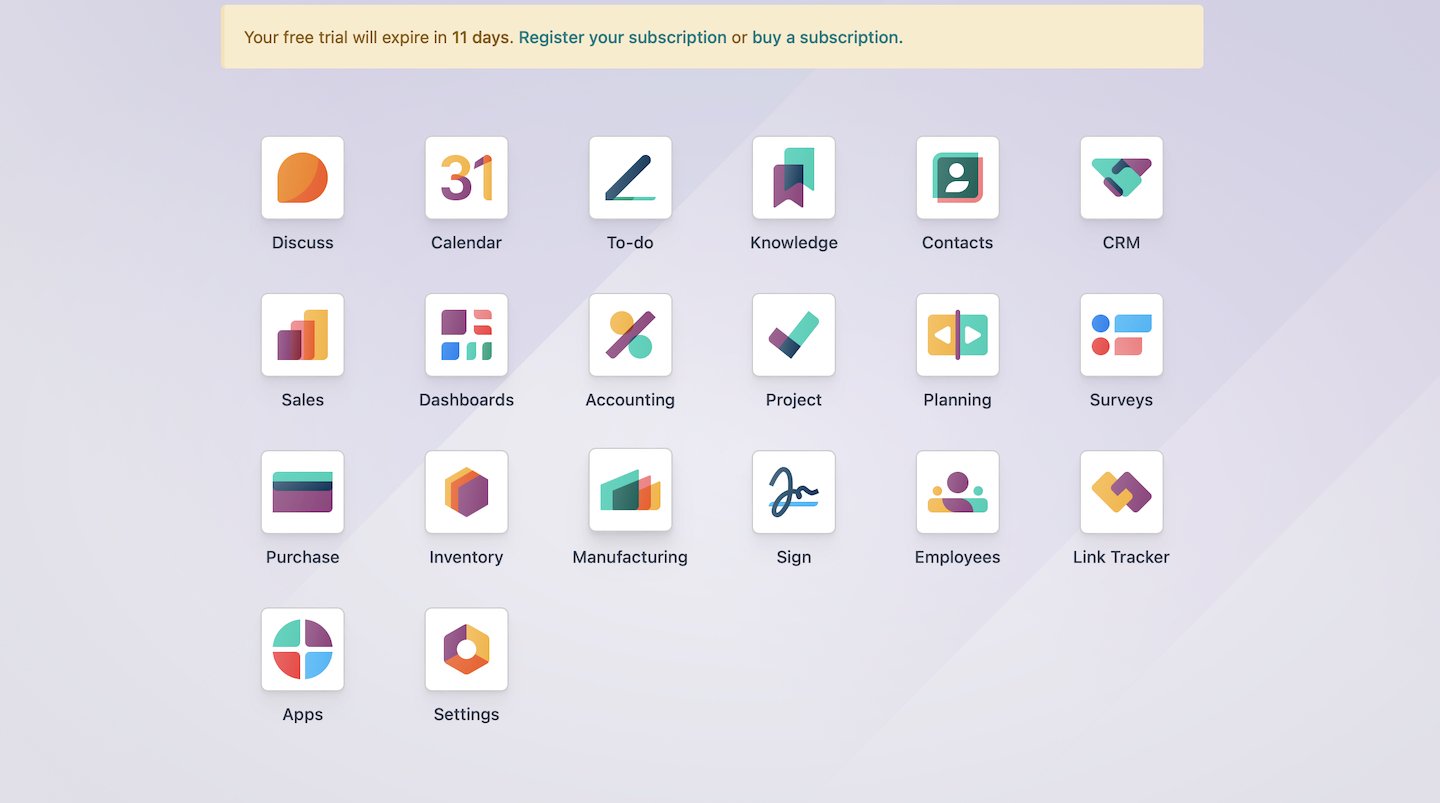
The launcher provides entry points to the installed business applications. For a user, the useful question is whether the apps and records they need are easy to find within their assigned access rights.
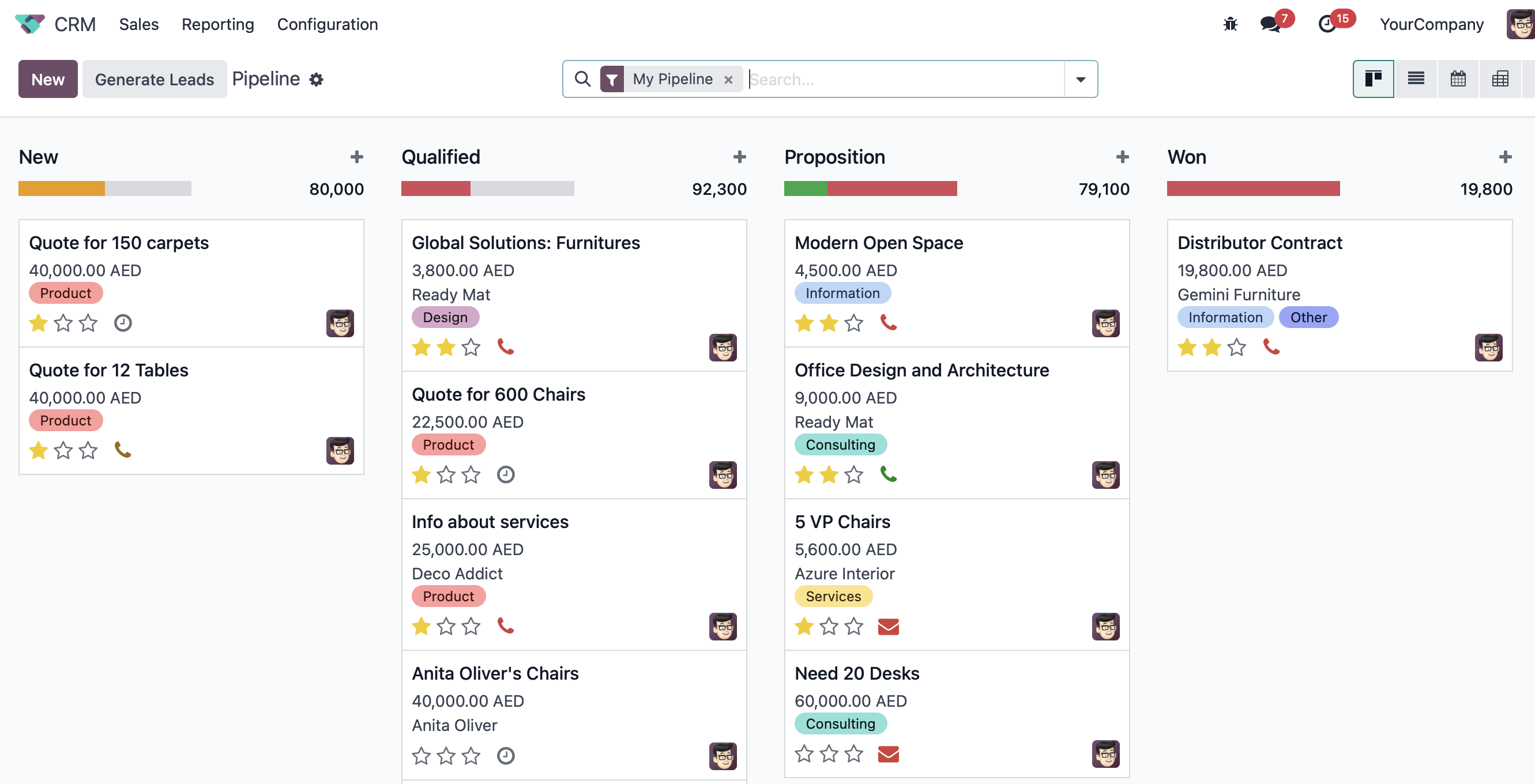
A CRM board makes the sales pipeline visible. During a demonstration, I would ask the sales team to follow an opportunity through its real stages and explain who should take the next action.
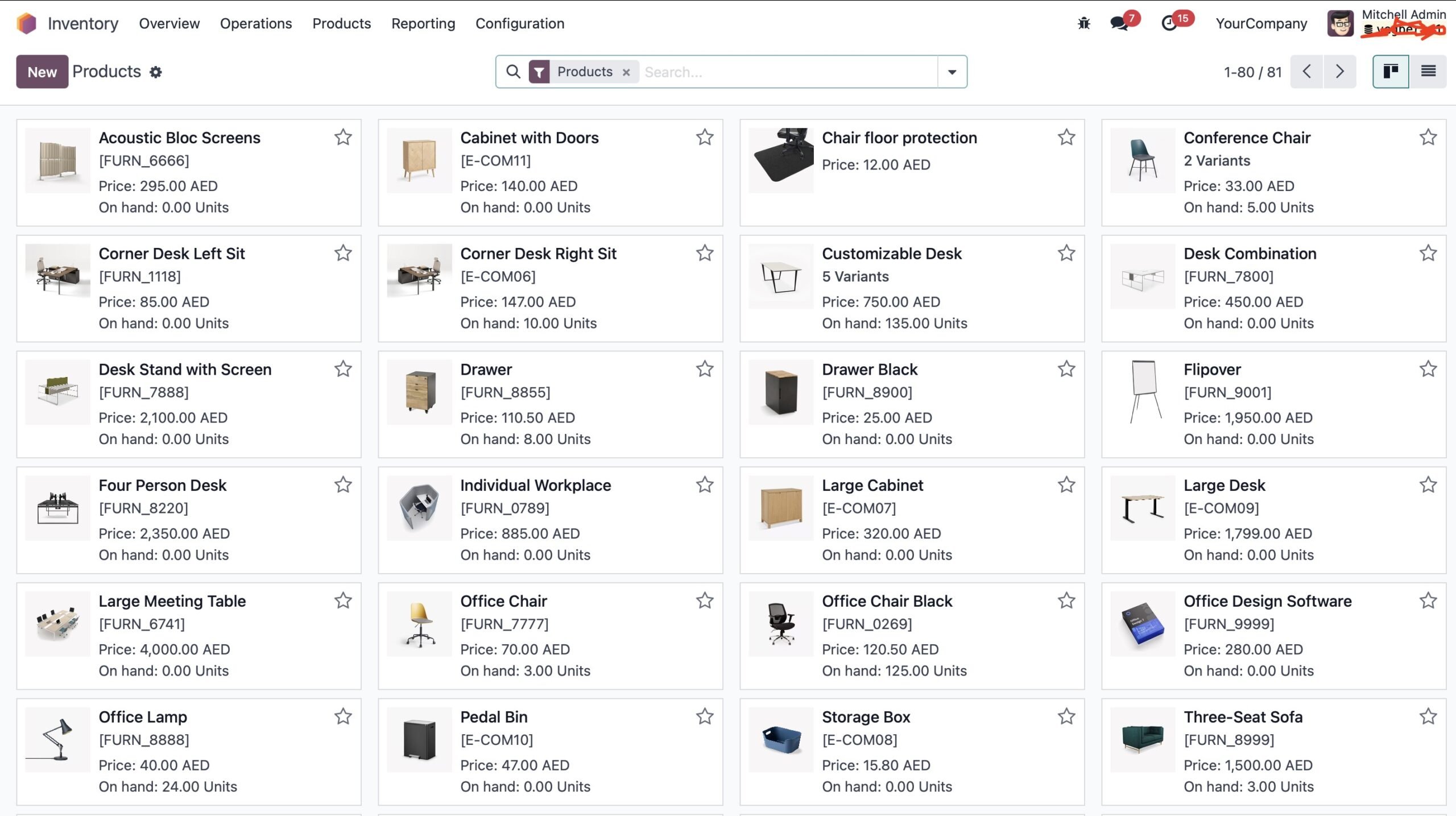
Product views bring another issue into focus: the quality of the underlying data. An attractive screen will not correct duplicate product codes or missing information. Views and fields can be adapted through supported configuration and development, but the implementation still needs clear data ownership. Test representative tasks on the devices and connections your team will actually use.
What can Odoo apps do?
Odoo's application documentation covers the areas below. Availability and depth depend on the edition, release and configuration. This is a business overview, not a promise that every app comes pre-installed or that all features are included in every plan.
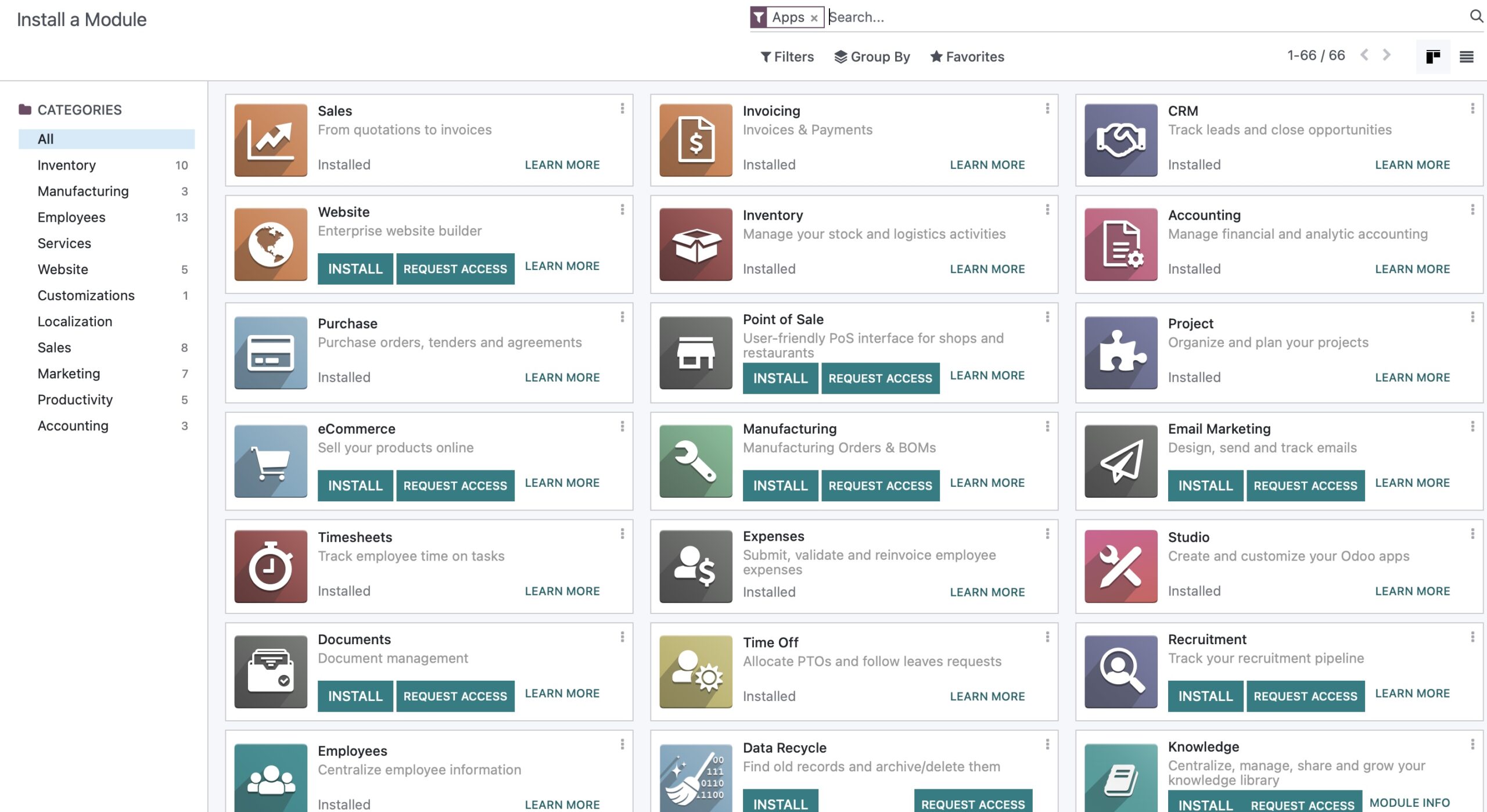
Sales, stock and production
- CRM: organise leads and opportunities. Define meaningful sales stages and responsibilities so the pipeline helps people manage work.
- Sales: prepare quotations and manage orders for goods or services. Agree the documents and approval decisions your sales process requires.
- Inventory: manage stock and warehouse movements, including receipts and deliveries. Warehouse and location setup should reflect where goods are actually held.
- Purchase: manage purchasing. Clarify who can order, what needs approval and how the receiving team confirms delivery.
- Manufacturing: organise production around bills of materials and manufacturing operations. Accurate component information matters as much as the app itself; Odoo documents bills of materials for product variants, for example.
- Repairs: support repair operations. Warranty decisions, replacement parts and the commercial treatment of a repair should be agreed for your business.
Finance, people and service work
- Accounting and Invoicing: connect financial records with business activity. Odoo's accounting documentation explains the entries behind accounting transactions. Assess required localisations, reports and controls explicitly; the app name does not prove that every management or statutory requirement is covered.
- Helpdesk: manage customer support tickets. Agree how requests are prioritised, assigned and resolved.
- Employees: organise employee information. This should not be confused with a complete payroll implementation for every jurisdiction.
- Project: organise project work. Define how tasks, responsibilities and progress should be represented before importing existing projects.
Websites, marketing and adaptation
Website and eCommerce support an online presence and selling. Email Marketing and Marketing Automation cover marketing activity. Documents and Sign address document-related work and signatures. These are Odoo applications, not a separate category of third-party products simply because they are added later.
Studio provides tools for adapting areas such as views. It can help with suitable interface changes, but it is not a substitute for every integration or specialised calculation. We first identify the requirement, then choose the simplest reliable way to meet it.
Third-party modules or custom development?
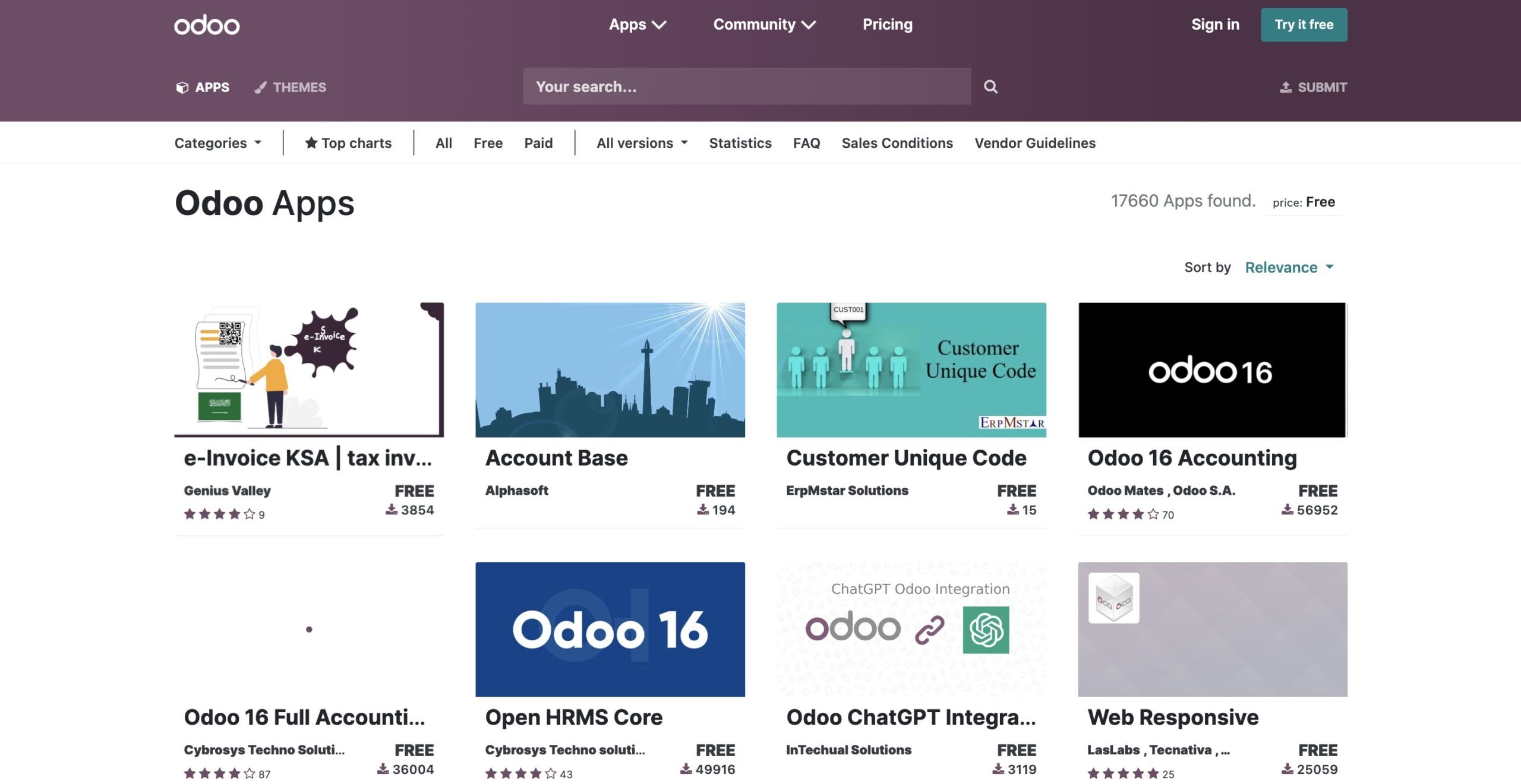
Additional modules can fill gaps, but their quality, maintenance and compatibility vary. Before buying one, check its supported Odoo release and edition, hosting requirements, licence, documentation and upgrade arrangements. Test the process it will join, including failures and corrections.
Why we built a Mintsoft connector
One client needed Odoo to exchange operational data with Mintsoft, a warehouse and third-party logistics platform. Standard Odoo configuration could not provide that dedicated API integration, so we compared available connectors with building our own.
For that project's requirements, the solutions we reviewed were not sufficiently complete or reliable. This was an operational concern: a connector participates in the flow of orders and stock information. Weaknesses in its logic can become fulfilment problems. It was not a conclusion that all third-party modules are poor.
We developed a connector covering product and stock synchronisation, inventory reconciliation, order exchange, status updates, logging and monitoring. The broader integration also mapped Mintsoft shipping methods to the methods required by Amazon. That mapping belonged to the project's wider architecture; it should not be assumed to come with every warehouse connection.
The existing ERPixel Mintsoft connector is designed for Enterprise; Community may require additional development. This is exactly why edition compatibility should be checked against the specific connector rather than assumed from the availability of an API.
Our decision sequence is straightforward: use standard configuration when it meets the process; consider an existing module when its coverage, code quality and maintenance are suitable; build custom functionality when the available options cannot reliably meet a confirmed requirement. Custom development should solve a real gap, with responsibility for future maintenance agreed from the start.
Technical requirements: architecture matters more than employee count
I would not choose Enterprise or Community from system load alone. Both can support complex environments. Performance depends on how the system is designed, the quality of its code, its integrations and the work being processed.
For infrastructure planning, describe simultaneous users, transaction peaks, reports, background jobs, stored data and custom modules. Complex reporting and poorly implemented extensions deserve attention. Fixed employee-count thresholds cannot replace that assessment. The Odoo server requirements guide provides a separate starting point for the infrastructure discussion.
A real Community project: financial information for a classifieds group
In one ERPixel project, an international group operating classified-advertising websites had been acquired by investors. The new owners needed a dependable view of the group's operations and finances, particularly how revenue was generated, classified and consolidated.
The group had approximately six or seven billing systems. Together, the upstream platforms generated around 100,000 sales-related operations per day. This is the volume in the external billing systems, not a claim that Odoo created 100,000 accounting entries daily.
We designed an intermediate processing layer using RabbitMQ and custom message-processing services. A queue holds incoming work so it can be processed separately from the user's immediate activity. Parallel processors handled the billing messages, while aggregation combined the raw transactions into the financial information the business needed.
Odoo received structured daily accounting information with revenue, product breakdowns, analytical accounts, taxes and other required dimensions. The design allowed Community to remain stable while the upstream systems handled a much larger volume of detailed operational activity.
The business value went beyond importing revenue. We implemented or extended custom integrations, payroll calculation, direct-method cash flow reporting, treasury budgeting, payment requests, quarterly budget control and forecasting. These were delivered parts of that project's solution, not features we claim every Community installation provides out of the box.
The project also exposed a difficult migration issue. Processing historical bank operations to reconstruct opening balances across the group took several days. We identified limitations in the queue or batch-processing mechanism, adjusted the processing logic and raised the issue with Odoo support. Selecting an edition did not remove the need for that investigation.
My lesson from this work is to design how data becomes useful business information before treating server capacity as the whole answer. Aggregation worked for this project's reporting needs. Another business may need more detail inside Odoo; that requirement should drive its architecture.
How much does Odoo ERP cost?
Odoo ERP pricing is one part of the budget. A realistic estimate includes licences + implementation + additional modules or development + hosting + ongoing support. Community removes the Enterprise subscription from that comparison, but it does not remove the other work.
1. Licences
For Enterprise, allow for recurring user subscriptions under the selected commercial terms. Use Odoo's official pricing page for the applicable country, currency, plan and billing conditions. An old per-user figure can produce a misleading budget.
Compare the expected user population over several years, not just at launch. Our 30–50-user observation is a reason to examine the economics carefully; it is not a universal break-even point.
2. Implementation services
At ERPixel, implementation is priced according to functional scope. Individual areas can have Standard or Advanced service levels, with differences in consulting, configuration complexity, training, data imports and documentation. These are implementation service levels, separate from Odoo's subscription plan names.
A quotation should identify what is being configured, which data will be imported, how users will learn the process and what instructions will be provided. Different modules require different work. Our Odoo implementation service connects those activities into an agreed delivery scope.
3. Additional modules, connectors and development
Budget separately for requirements outside the core implementation. A connector's purchase price is only one consideration: it still needs configuration, process testing and a maintenance arrangement. The Mintsoft example shows why an existing product must be assessed before choosing between purchase and development.
4. Hosting and administration
The hosting budget should reflect the environment and agreed operating responsibilities. ERPixel managed hosting can include server setup, SSL, email infrastructure, domain-related configuration and system administration. Confirm the included work in the proposal rather than assuming every service belongs in every package.
Odoo lists Odoo.sh hosting, implementation and custom-code maintenance separately from its subscription inclusions. Compare complete proposals so that an apparently lower price does not simply leave work unbudgeted.
5. Ongoing support
Support after implementation is a separate cost category, governed by the agreed support model. Specify responsibility for operation, maintenance and future changes. A working launch is the beginning of using the system, not the end of its costs.
I would compare edition proposals over the same period and with the same scope. Include the required features, expected user growth, integrations, hosting and ongoing work. That makes the trade-off between Enterprise's ready-made functionality and Community development much clearer than comparing licence fees alone.
What should you prepare before implementation?
A useful first assessment needs a concrete picture of the business:
- Priority processes: identify the problem to solve first, its owner and the result users need.
- Business structure: list companies, warehouses, user roles and approval responsibilities.
- Data: identify source systems, product and customer records, opening balances, quality problems and who will prepare the information.
- Integrations: record which systems will remain, which one owns each type of data, and what should happen when an exchange fails or repeats.
- Acceptance: define real scenarios users must complete before launch, including corrections and exceptions.
- Phases: agree what belongs in the first implementation and what can follow later.
These decisions can reduce unnecessary development and make delivery easier to assess. They also give the customer a clear role in preparing data, testing workflows and accepting the result.
My recommendation
Odoo is worth considering when a business needs connected processes and a platform it can develop over time. I generally start with Enterprise when suitable standard functionality can shorten implementation. I assess Community seriously when specialised work and the long-term economics justify it.
The real choice is the complete solution: edition, hosting, data, integrations, implementation and support. Our classifieds project shows why architecture matters; Mintsoft shows why a reliable integration may justify custom development. Neither decision can be made from a licence price or an app list alone.
Start with one important workflow and the information management needs from it. Demonstrate the proposed solution, identify the gaps and compare the full cost of making it work.
Discuss your Odoo project with ERPixel: bring your main processes, existing systems and expected user numbers so we can assess the appropriate scope.